
Seedream 5.5
0/10
Add
Drag or click to upload up JPG, PNG, or WEBP images
0 / 2000
Credits required:5
Sample Image
(The Created Image results will appear here)
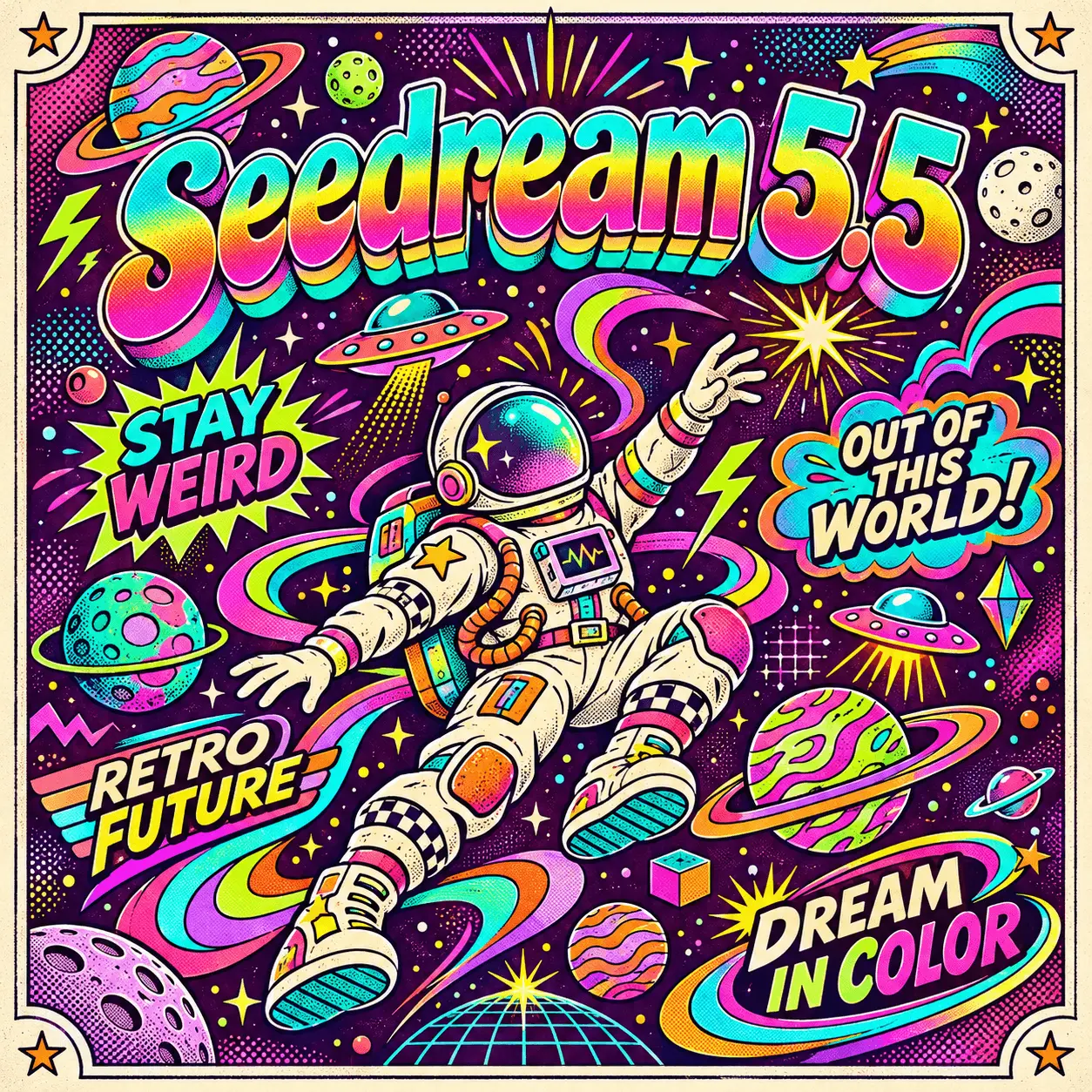
Bring an idea into focus with Seedream 5.5 on Seedream, an independent creative platform. Build believable portraits and product scenes, refine selected details, and create artwork with text in multiple languages.
Seedream 5.5
Drag or click to upload up JPG, PNG, or WEBP images
Sample Image
(The Created Image results will appear here)
Seedream 5.5 is ByteDance’s image generation and editing model. It combines reference-guided composition, lifelike detail, and more controlled revisions to help turn a rough concept into a finished visual.
This workspace offers image generation and editing at 1K or 2K. Native transparency and layer decomposition are additional model capabilities; dedicated controls for them are not available on this page.
Change an outfit, replace a prop, or rework a background. Use each result as your next reference and describe what should stay consistent across revisions.
Shape natural expressions, textured skin, and believable materials. Combine product and setting references to explore a scene before arranging a shoot.
Develop labels, menus, and posters with text in different languages. Include the exact wording and placement in your prompt, then review the lettering before publishing.
Seedream 5.5 also supports native transparent backgrounds for assets such as stickers and product cutouts through its dedicated background controls.
The model’s separate layer decomposition workflow can return up to 100 image components, making objects and backgrounds easier to reuse in design tools.
Start with a description or an image, then make one clear change at a time.
Select Text to Image for a fresh concept, or Image Edit to work from existing visuals. Seedream 5.5 is already selected.
Explain your subject, lighting, composition, and any exact text. For edits, upload up to 10 reference images and name the details to preserve.
Choose an aspect ratio and 1K or 2K resolution. Generate your image, review it, and use the result as a reference for another revision.
A few practical details before your first generation.
Seedream 5.5 develops the same generation and editing workflow with a focus on realistic detail, text rendering, and steadier revisions. This page keeps the same aspect ratios, reference limits, and 1K/2K options as 5.0 Pro.
Yes. Upload a generated result as a reference for the next edit. State what to change and what to keep, then check each version before continuing.
Yes. Put the exact wording in your prompt and describe its position and style. Review names, dates, prices, and small text in the finished image.
This workspace currently provides 1K and 2K generation and editing. Dedicated transparent-background controls and layer export are not included here.
Seedream 5.5 uses the same credit settings as Seedream 5.0 Pro: 50 credits at 1K and 100 at 2K. The required amount appears before you generate.